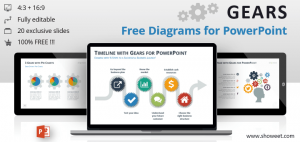
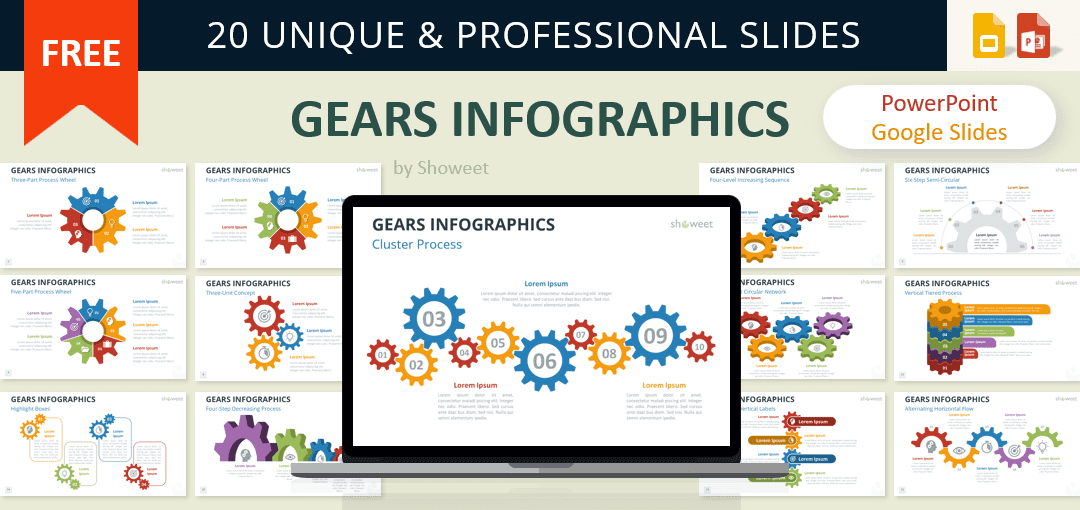
Present your ideas with clarity using this Gears Infographics template. This set provides clean gear-based diagrams that help you explain systems, steps, and linked concepts with confidence.
Visual Designs for Explaining Linked Ideas
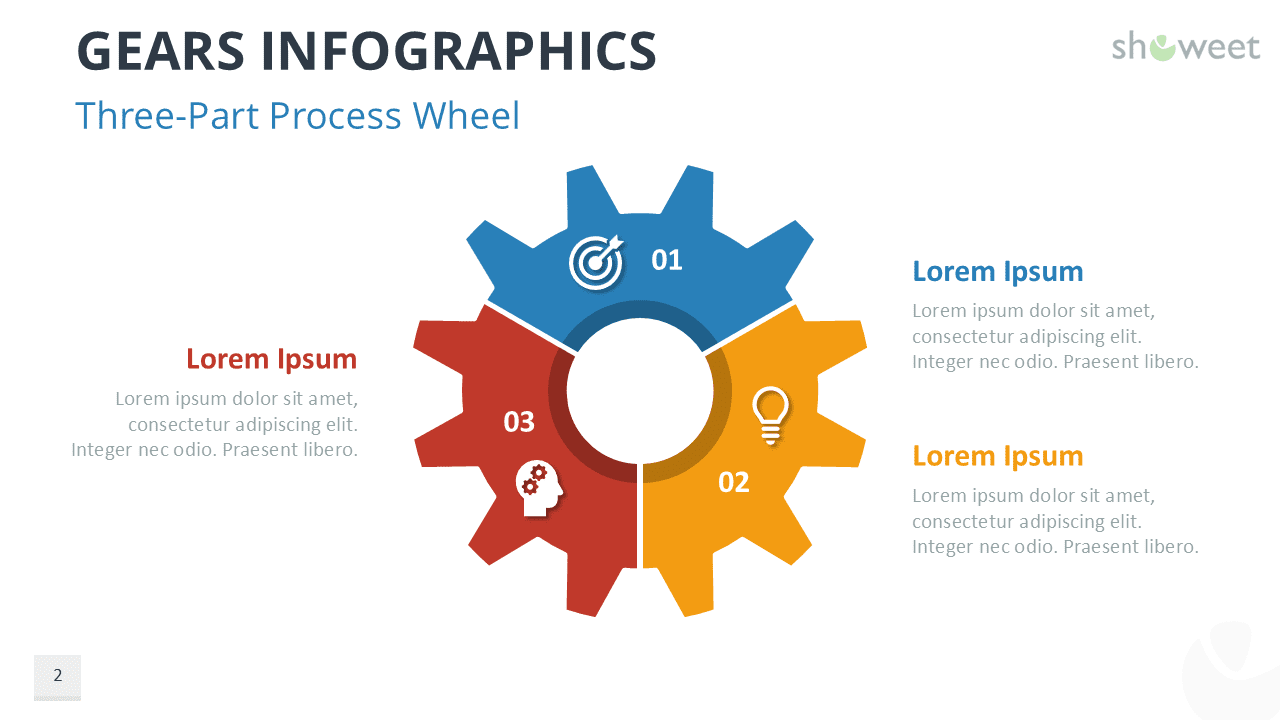
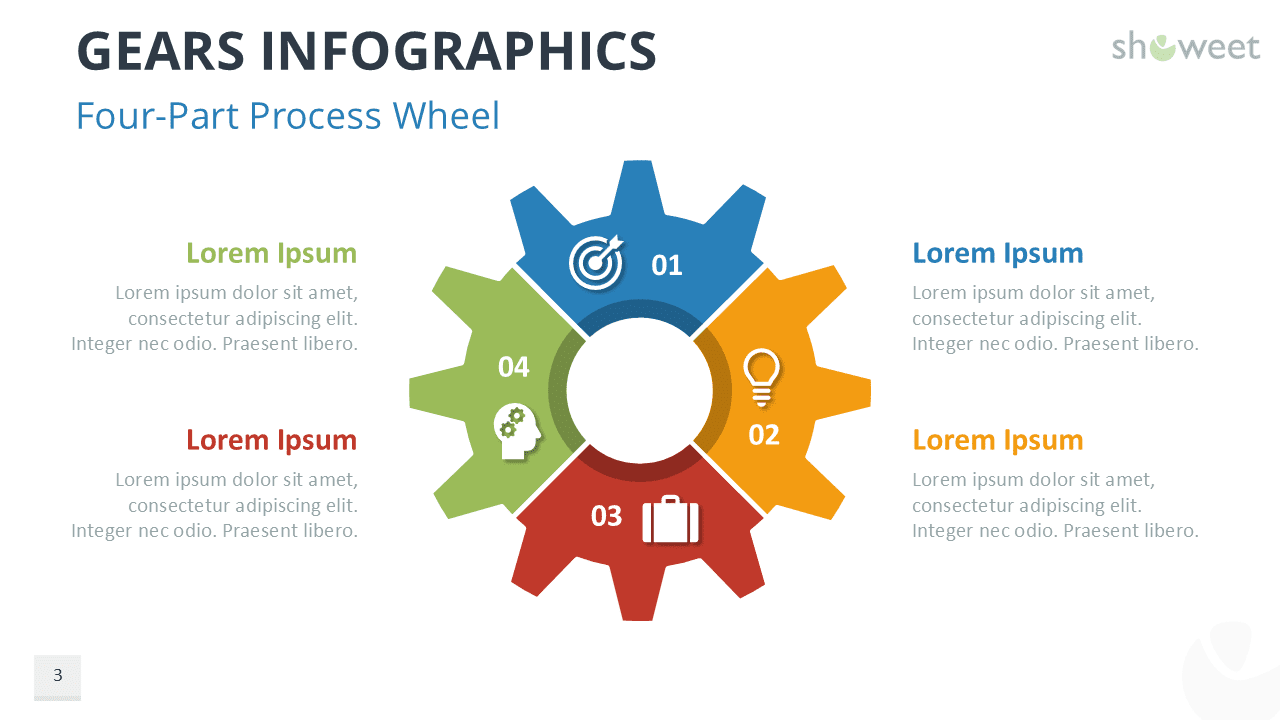
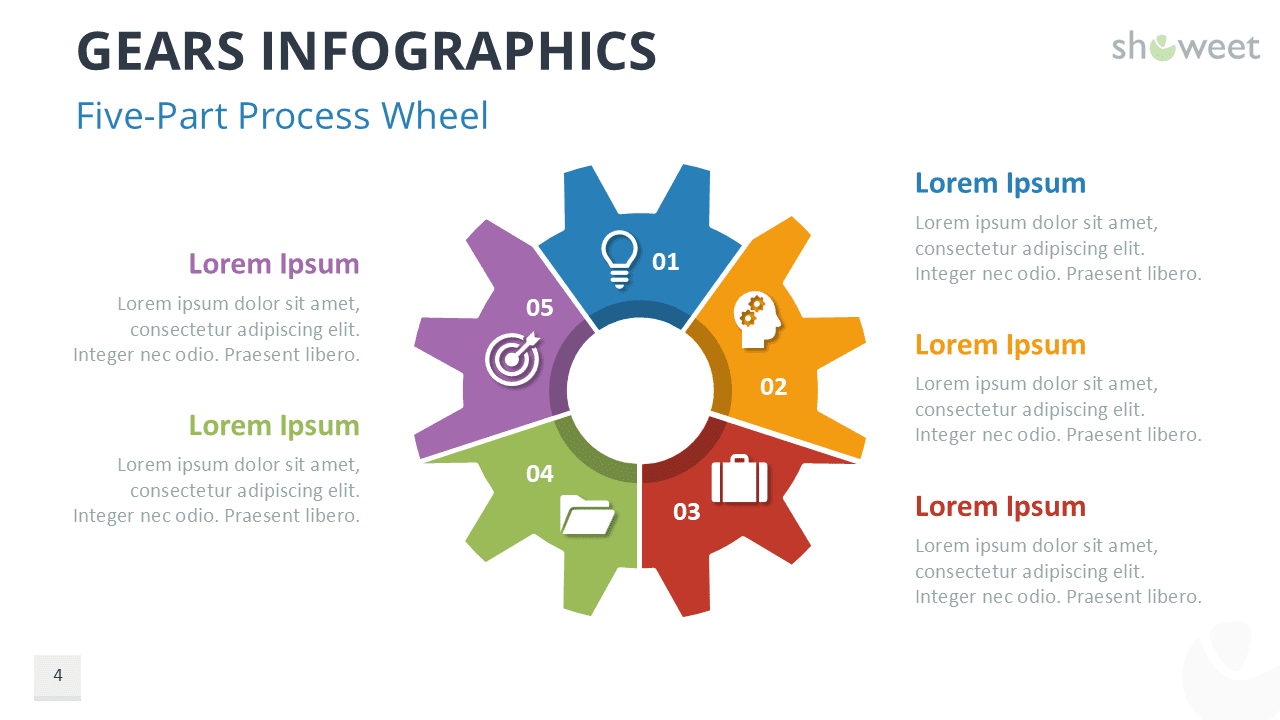
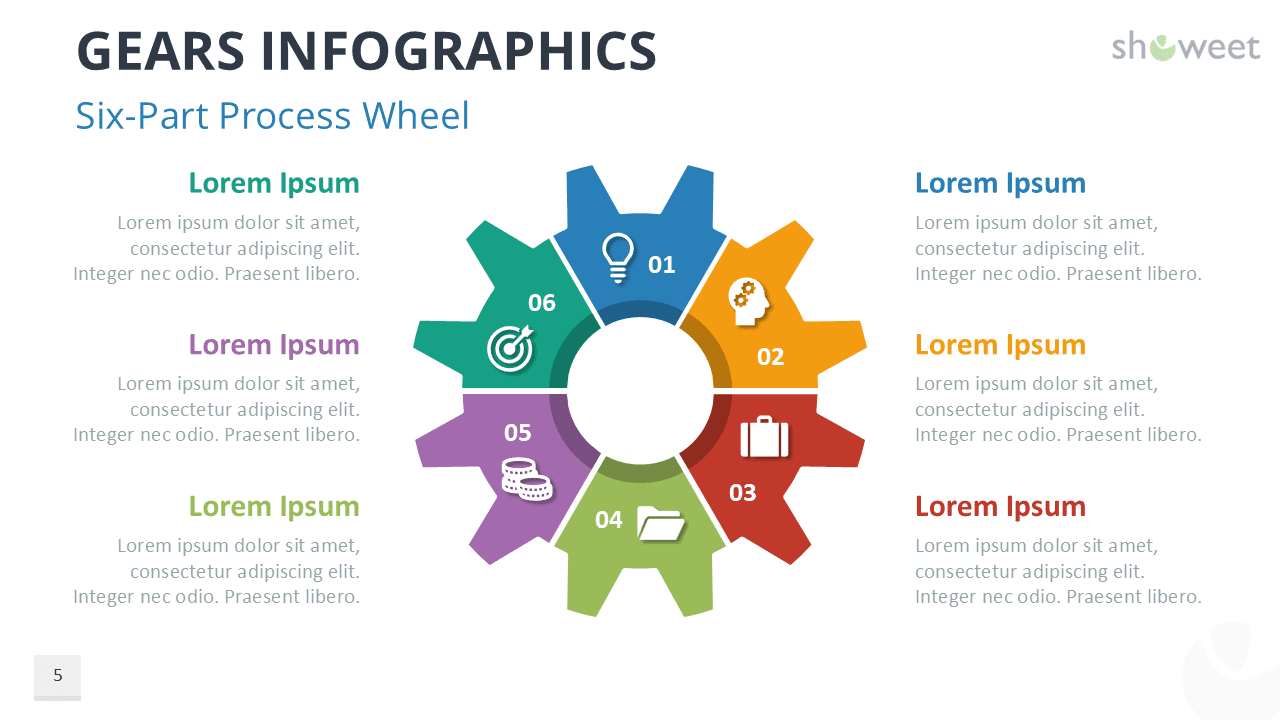
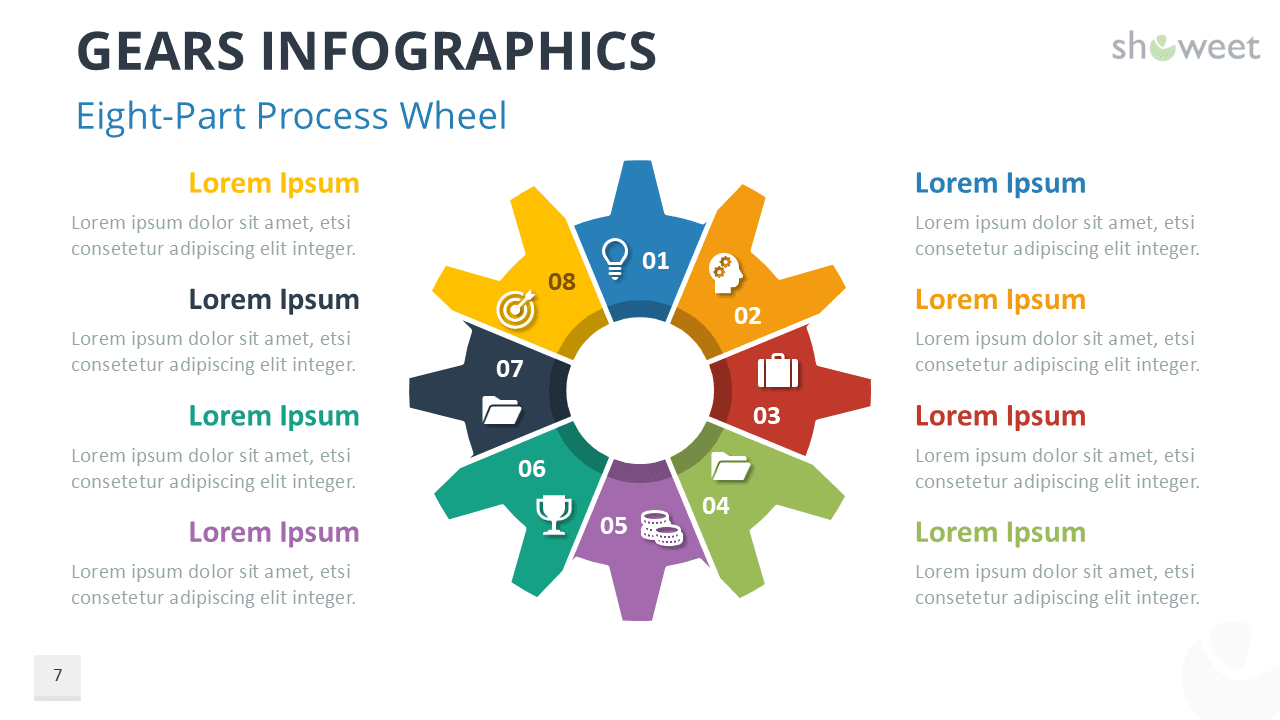
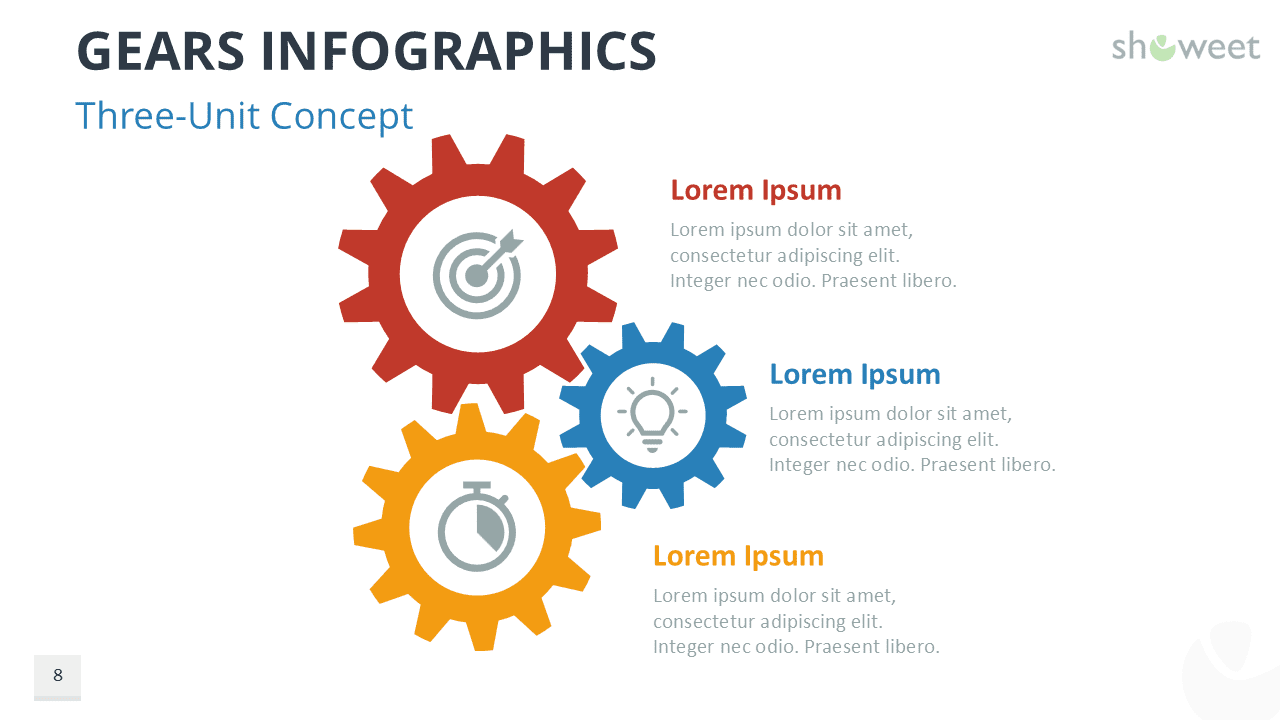
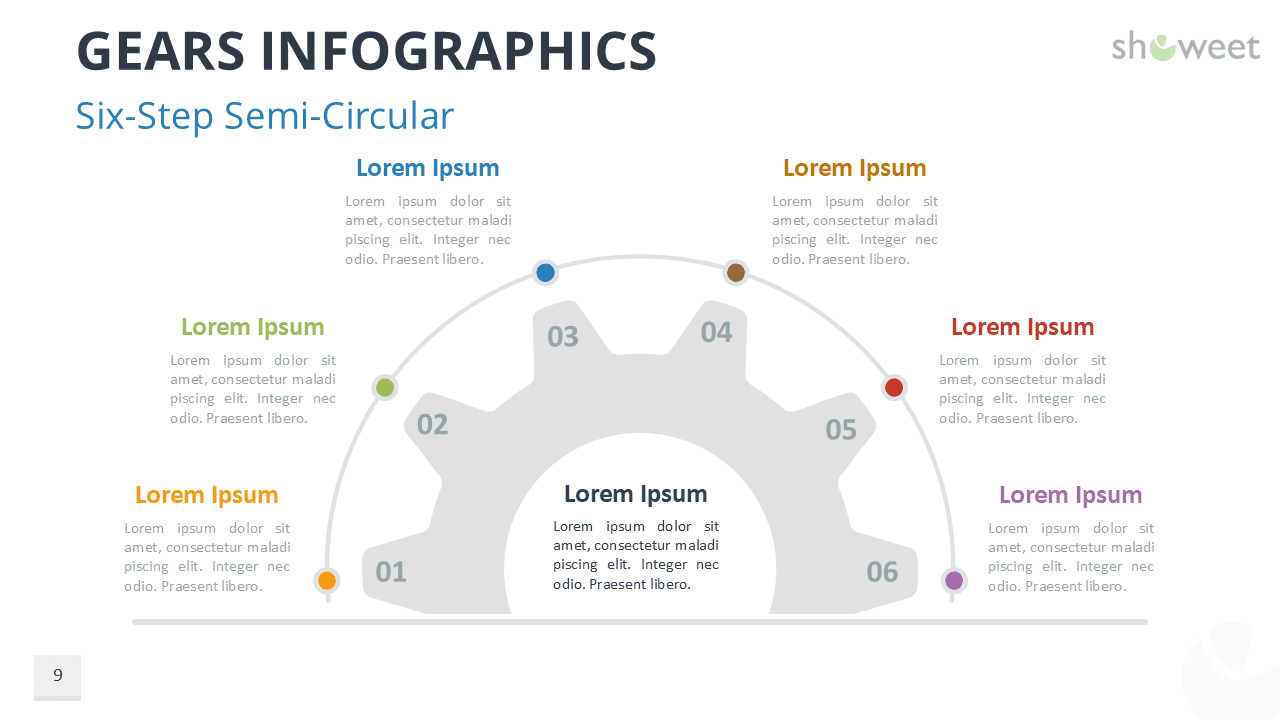
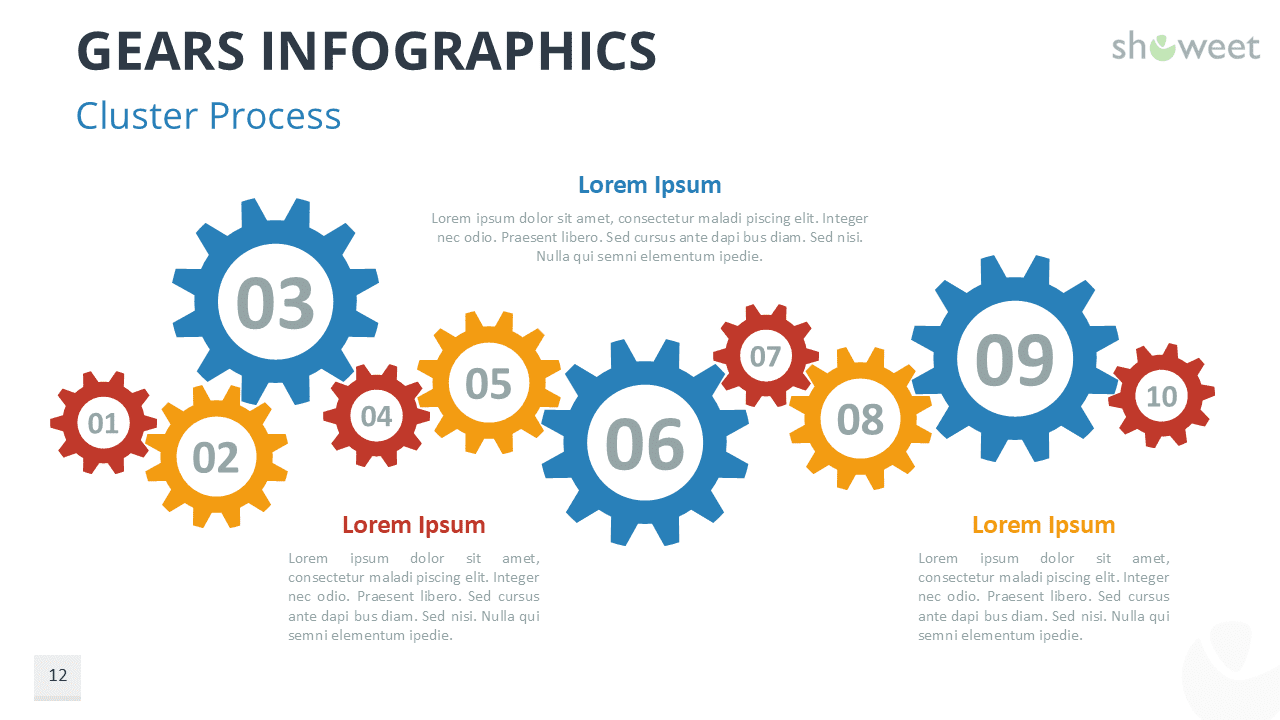
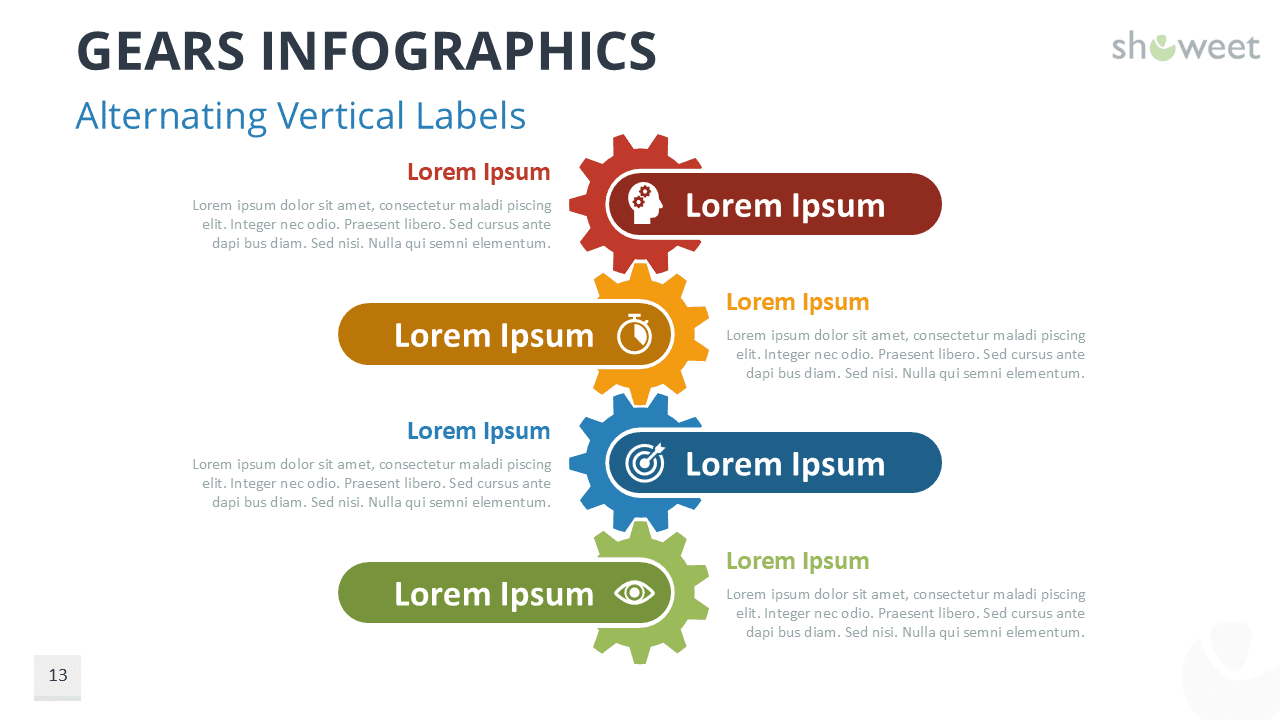
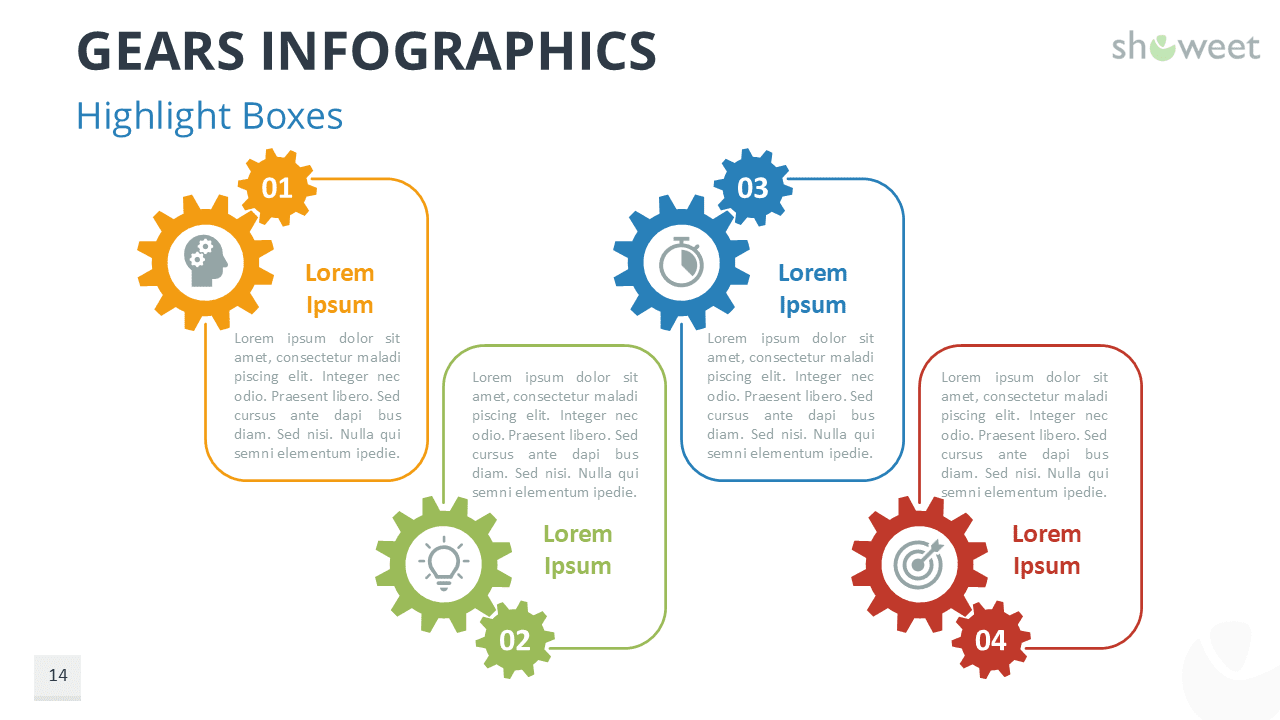
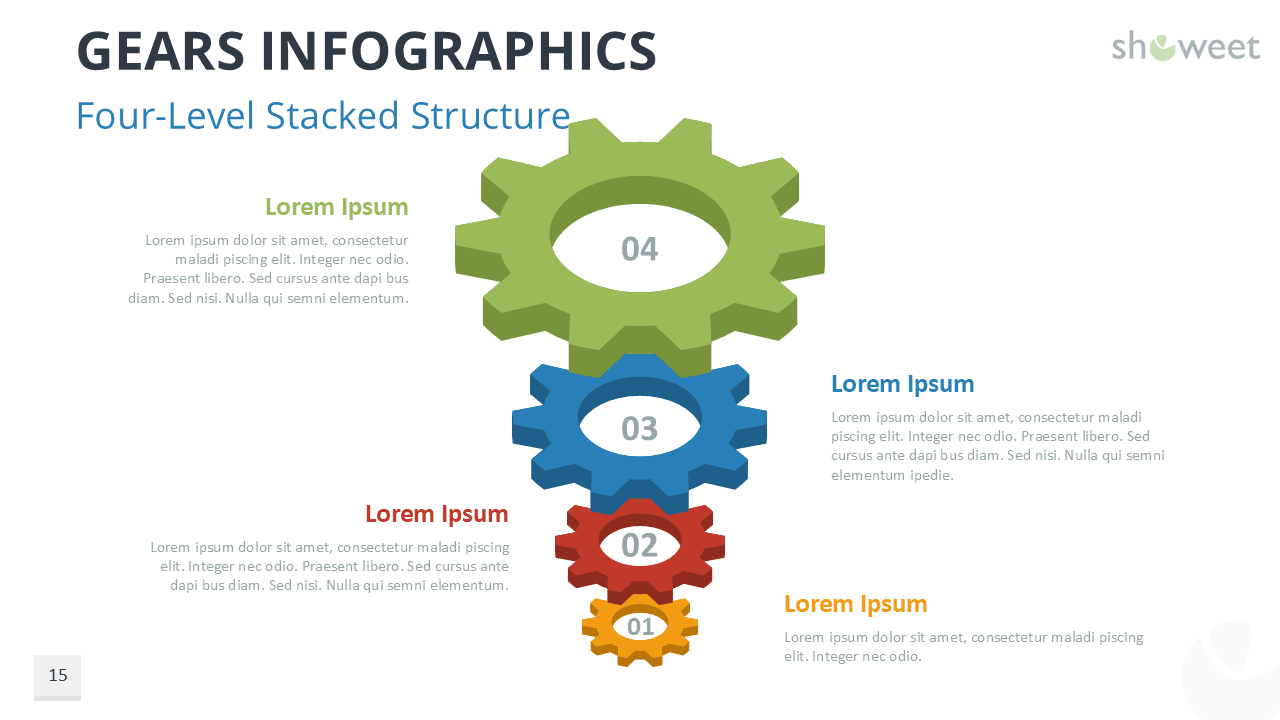
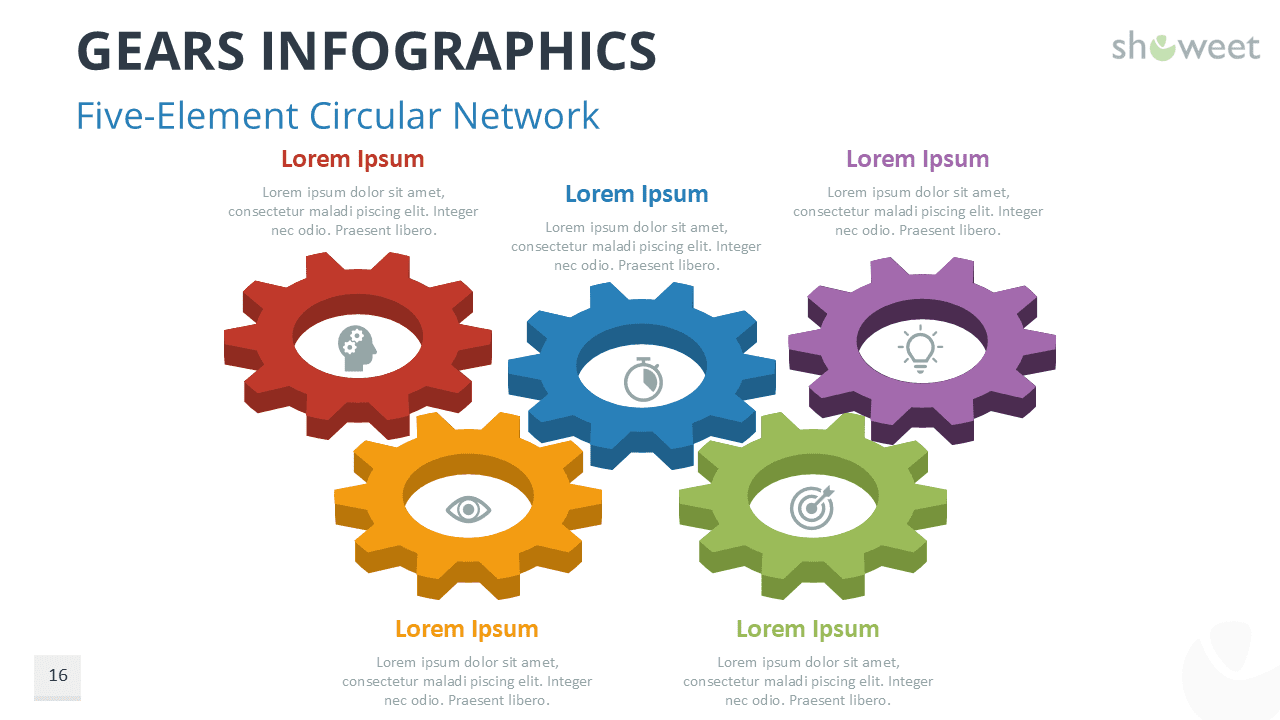
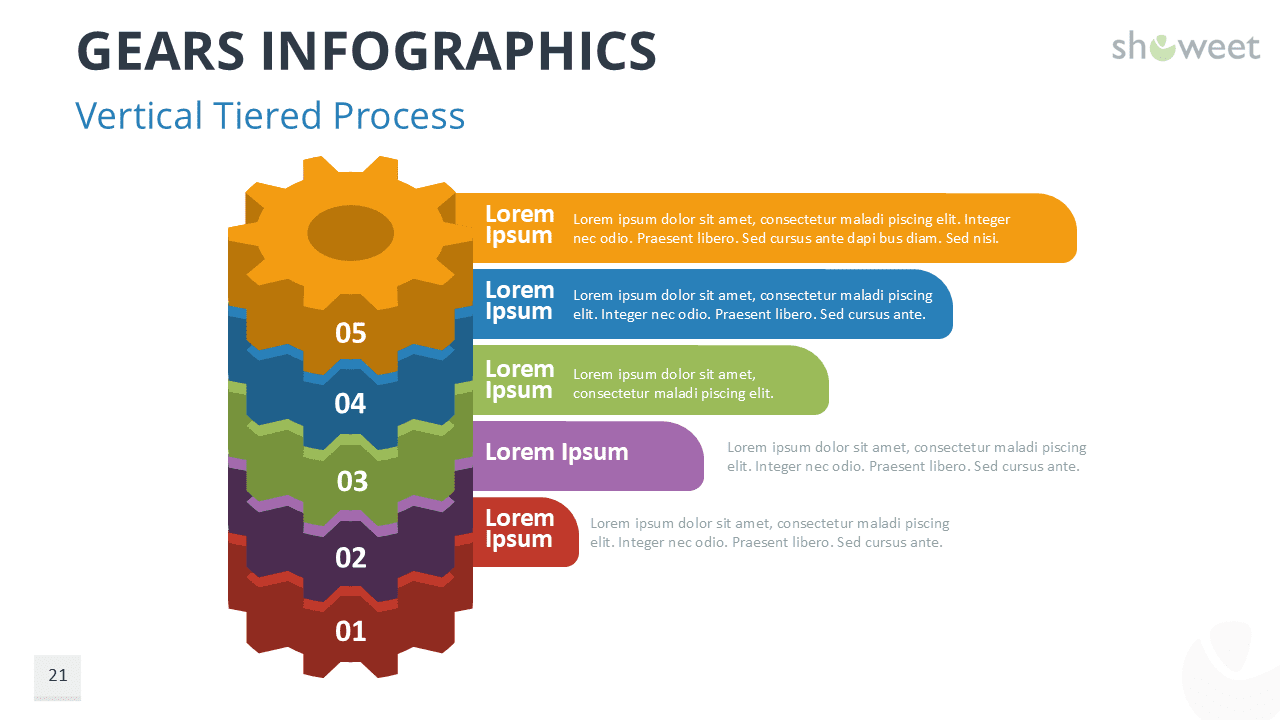
This collection includes 20 fully editable graphics and optimized for Google Slides. Each slide features colorful gear shapes that support topics such as processes, cycles, and business logic. You can adjust colors, text, icons, and sizes in seconds. The deck delivers twenty designs that range from simple multi-part wheels to more advanced sequences, clusters, and layered visuals. Each composition keeps your message at the center while ensuring strong visual balance.
Gear diagrams work well when presenters need to explain how ideas connect or depend on each other. They help audiences grasp relationships and flow, which is vital when discussing growth models, workflow stages, or performance strategies. Because the shapes interlock, they naturally suggest movement and collaboration. Use them to highlight how tasks influence one another or how your teams support a shared goal. These layouts also support planning sessions, training content, or change management topics, since the visuals guide viewers through each stage. Moreover, the editable format lets you adapt each slide to match your story.
In summary, this template gives presenters a flexible way to illustrate linked ideas and engaging processes. It offers striking designs, practical layouts, and smooth customization. You gain a clear method to explain progress, define responsibilities, and bring structure to complex ideas. With thoughtful use of color, pacing, and storytelling, you can turn each gear diagram into a visual anchor that strengthens your message.
The presentation document features:
- 20 unique, clean, and professional slides.
- Fully editable content in PowerPoint – no Photoshop needed!
- Widescreen (16:9) aspect ratio.
- Available in PowerPoint (.PPTX) format and fully compatible with Google Slides.
- Free to use with attribution – please review the ‘Terms of Use‘ for any restrictions.
Free font used:
- Calibri
Slides included:
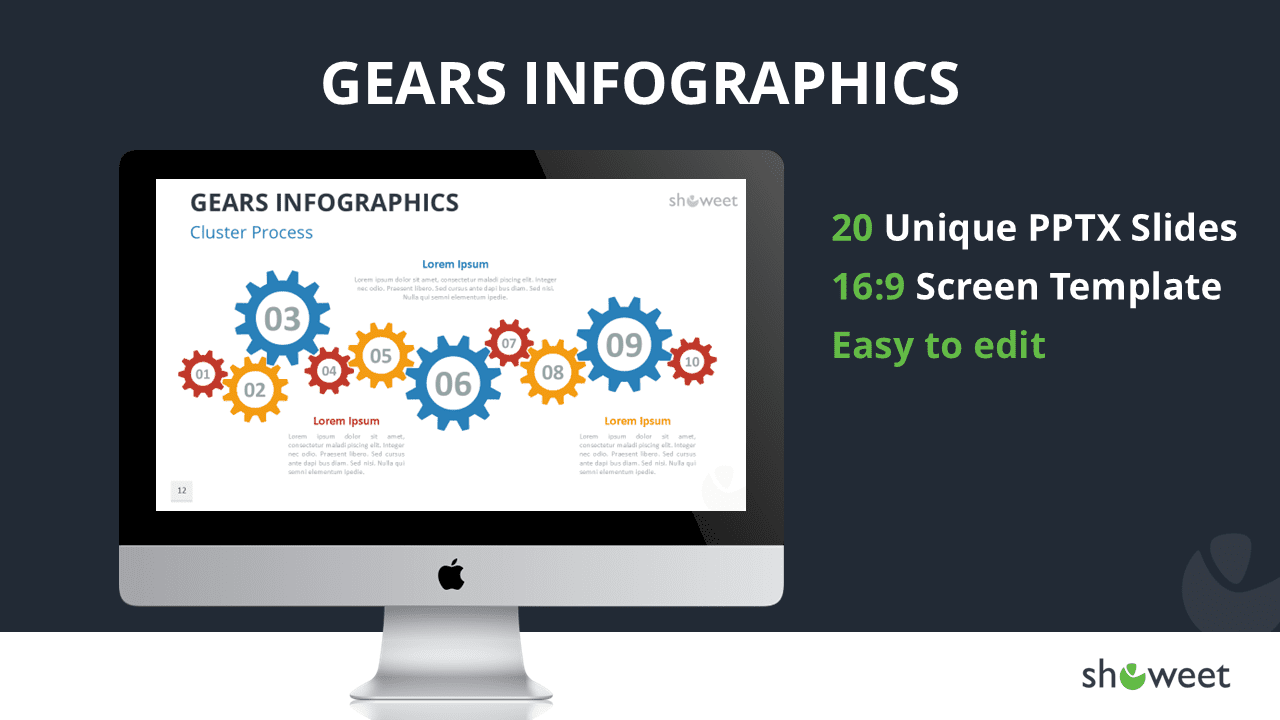



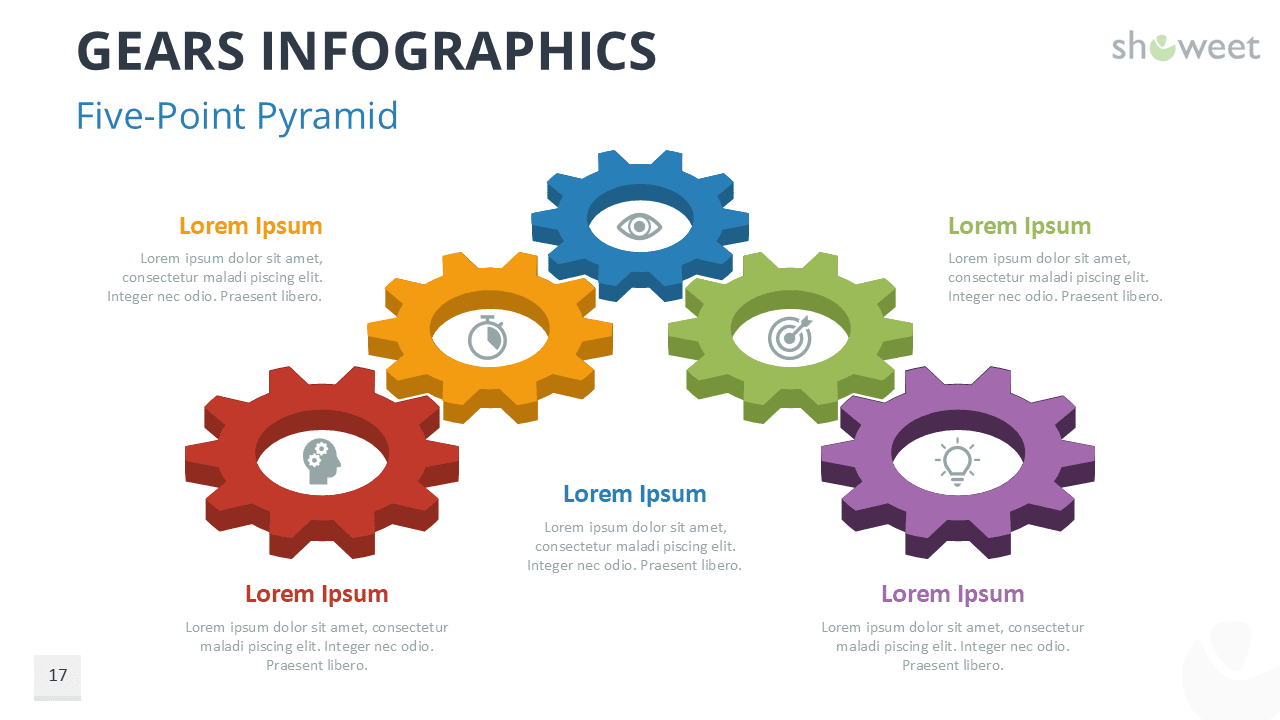
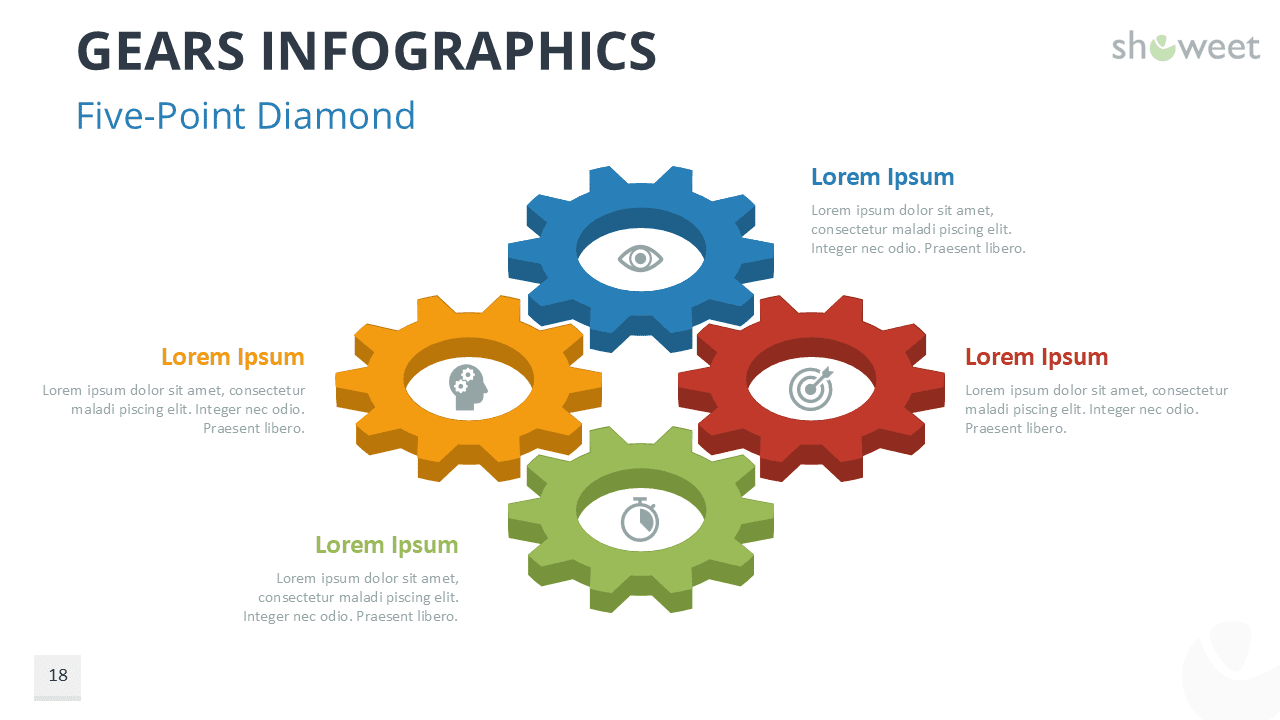
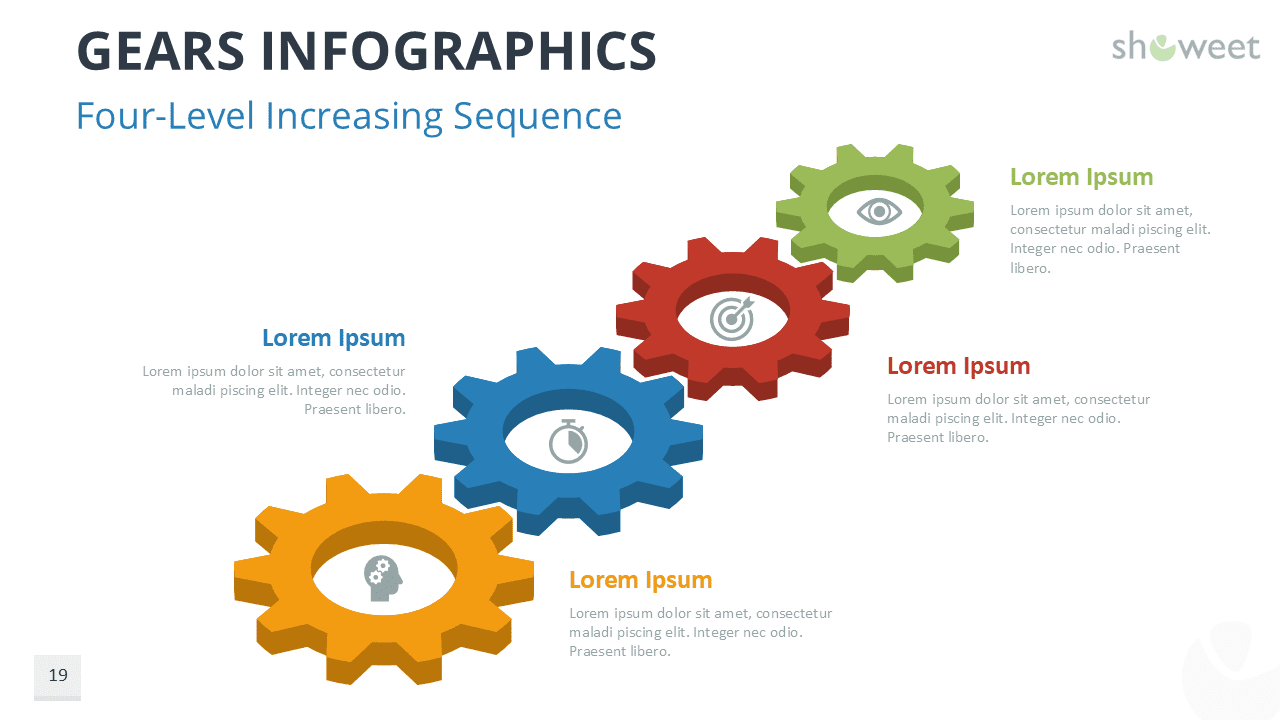
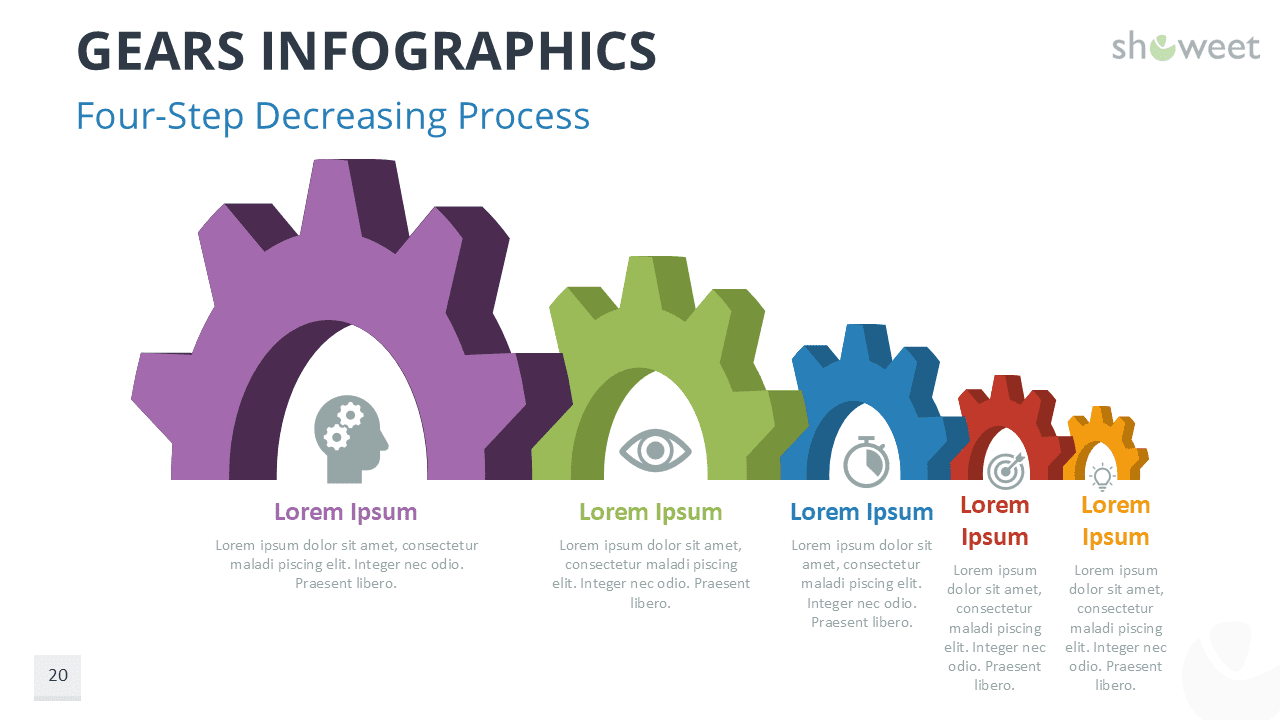
Google Slides preview:
- Open and use the Google Slides document
- Log in using a personal account; some organizations may block external sites.
- Consider requesting your IT manager to whitelist showeet.com.
- Alternatively, download the PPTX/POTX file and import to Google Slides.