

Fishbone Infographics for PowerPoint and Google Slides help you present complex causes and effects with clarity and style. This editable widescreen template offers a modern fishbone layout that is perfect for organizing ideas in a clear, visual flow.
Visual Diagrams for Cause-and-Effect Slides
A fishbone diagram, also called an Ishikawa diagram or cause-and-effect diagram, is a visual method for identifying root causes of a problem or exploring relationships between ideas. Presenters use it to map factors leading to a result, making it ideal for strategic planning, process improvement, or brainstorming sessions. It’s also effective for education, helping learners visually connect concepts. You can use these diagrams to show business challenges, outline workflows, or analyze project risks. The recognizable “fish” shape naturally guides the viewer’s eye from cause to effect, improving comprehension.
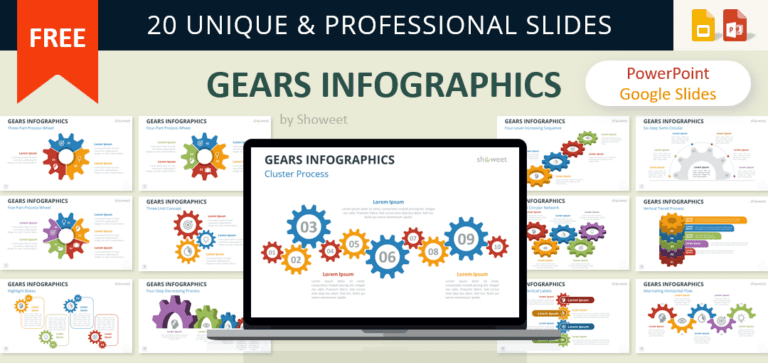
This template includes 20 unique slide designs, all fully editable, in a widescreen 16:9 format. The graphics feature vibrant shapes, icons, and geometric elements, designed to stand out in both business and educational settings. From minimal layouts with two steps to detailed diagrams with eight branches, every slide adapts easily to your presentation goals. The design allows you to highlight main categories along the “spine” while breaking down related points along each “bone.” The color-coded segments make it easy for your audience to follow and retain information.
Whether you are explaining a workflow, breaking down a problem, or teaching a complex topic, these slides give you the flexibility to adapt the design to your audience. Their clean lines, bold colors, and editable text make them easy to customize while keeping a professional finish. By combining visual appeal with a logical flow, this template helps you deliver messages that are both memorable and impactful. Use it to keep your presentation engaging, focused, and visually consistent from start to finish.
The presentation document features:
- 20 unique, clean, and professional slides.
- Fully editable content in PowerPoint – no Photoshop needed!
- Widescreen (16:9) aspect ratio.
- Available in PowerPoint (.PPTX) format and fully compatible with Google Slides.
- Free to use with attribution – please review the ‘Terms of Use‘ for any restrictions.
Free font used:
- Calibri
Google Slides preview:
- Open and use the Google Slides document
Should you get a “request access” prompt for the file:
- Log in using a personal account; some organizations may block external sites.
- Consider requesting your IT manager to whitelist showeet.com.
- Alternatively, download the PPTX/POTX file and import to Google Slides.